LogoWan 3.0
  • Home
  • AI Video
  • AI Image
  • Pricing

Wan 3.0 AI Video Generator — Cinematic Video From One Prompt

Generate multi-shot videos with lifelike motion, consistent characters, and cinematic camera control. Anchor every shot with text, images, or a reference clip — then direct it frame by frame. One credit pool across Wan 3.0, Veo, and more. Start free.

Turn Any Image Into a Wan 3.0 Video

Upload a photo and Wan 3.0 adds lifelike motion, camera movement, and physics — turning a single still into a smooth, cinematic shot.

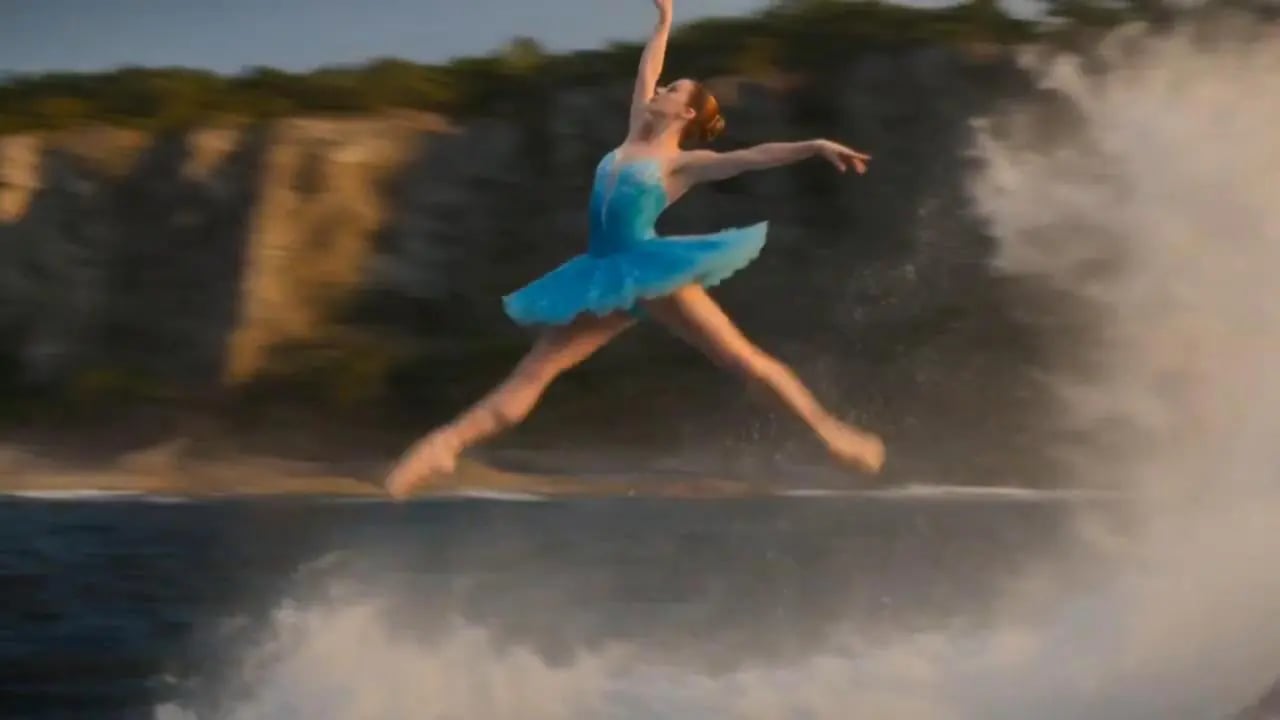
Showing transformation 1 of 4: Animate a map-like scene with a fast FPV camera move, clear route motion, and smooth cinematic travel pacing.
Wan 3.0 image-to-video example: an FPV drone map flight
Original Image
Original Image: Animate a map-like scene with a fast FPV camera move, clear route motion, and smooth cinematic travel pacing.
Wan 3.0 Video
Wan 3.0 Video: Animate a map-like scene with a fast FPV camera move, clear route motion, and smooth cinematic travel pacing.
Wan 3.0 image-to-video example: a classical-art fighting game scene
Original Image
Original Image: Turn a static artwork into a stylized fighting-game intro with character motion, impact timing, and dramatic camera cuts.
Wan 3.0 Video
Wan 3.0 Video: Turn a static artwork into a stylized fighting-game intro with character motion, impact timing, and dramatic camera cuts.
Wan 3.0 image-to-video example: a cyberpunk neon chase scene
Original Image
Original Image: Bring a cyberpunk character scene to life with neon reflections, chase energy, and a steady cinematic tracking shot.
Wan 3.0 Video
Wan 3.0 Video: Bring a cyberpunk character scene to life with neon reflections, chase energy, and a steady cinematic tracking shot.
Wan 3.0 image-to-video example: glowing flowers in dreamlike light
Original Image
Original Image: Animate a floral macro image with drifting haze, soft light pulses, and gentle parallax for a calm social clip.
Wan 3.0 Video
Wan 3.0 Video: Animate a floral macro image with drifting haze, soft light pulses, and gentle parallax for a calm social clip.
Prompt
Animate a map-like scene with a fast FPV camera move, clear route motion, and smooth cinematic travel pacing.

How to Make a Wan 3.0 AI Video in 3 Steps

Add an image or describe your scene, direct the motion, and let Wan 3.0 render a finished cinematic shot.

AI video workflow illustration showing upload, prompt, and generated video preview steps
  1. Step 1: Add Your Reference

    Drop in a photo, product shot, or reference clip — Wan 3.0 reads composition, depth, and motion to plan the shot.

  2. Step 2: Direct the Motion

    Describe the camera move, the action, and the mood. Wan 3.0 follows your prompt shot by shot.

  3. Step 3: Generate & Refine

    Render a cinematic clip in seconds, tweak the prompt, and download. Failed renders are always refunded.

Start Creating

What Makes Wan 3 Different

Wan 3.0 is more than text-to-video. Anchor every shot to your own references, lock the look across a campaign, and direct the camera like a film set — across multiple top models.

Multimodal Referencing

Anchor your video to what you already have — a reference clip, product images, or a pair of frames. Wan 3.0 reads them and carries the exact style, motion, and camera language into a new shot, so you lock a look instead of describing it from scratch.

Try Wan 3.0

Locked Character & Style Consistency

No drift. Wan 3.0 keeps faces, products, and style details identical from the first frame to the last — the same character and brand look holds across every clip in a campaign.

Try Wan 3.0

Multi-Shot Cinematic Direction

Direct camera moves, pacing, and transitions from a single prompt. Plan a sequence with first/last frames, or write the scene and let Wan 3.0 stage it shot by shot.

Try Wan 3.0

Every Top Model, One Credit Pool

Wan 3.0, Veo, and more share one credit pool. Pick the model that nails each shot, reuse any output as your next reference, and keep a whole campaign anchored to one look.

Try Wan 3.0

Wan 3.0: One Model for Every Kind of Video

Showing content for Influencers: Post daily without burning out

Post daily without burning out

Turn one photo into a week of trend-ready clips. Wan 3.0 keeps your look consistent so you stay on-trend without the production grind.

Wan 3.0 Pricing

Choose the plan that works best for you

Cancel anytime
Save 20%

Basic

$19.9
$15.9/mo

800 Credits/mo

Billed annually at $190.8


  • 800 credits/month
  • Up to 160 images/month
  • Up to 26 videos/month
  • All AI image and video models
  • Watermark-free exports
  • Standard processing & support
  • 90-day asset storage
  • Commercial use license
Popular
Save 25%

Pro

$39.9
$29.9/mo

1,800 Credits/mo

Billed annually at $358.8

1,800 Credits
1.8K3.5K5.5K

  • 1,800 credits/month
  • Up to 360 images/month
  • Up to 60 videos/month
  • All AI image and video models
  • Watermark-free exports and private generation
  • Priority processing & support
  • 90-day asset storage
  • Commercial use license
Save 30%

Max

$129.9
$90.9/mo

7,500 Credits/mo

Billed annually at $1,090.8

7,500 Credits
7.5K10K12K

  • 7,500 credits/month
  • Up to 1,500 images/month
  • Up to 250 videos/month
  • All AI image and video models
  • Watermark-free exports and private generation
  • Fastest processing & priority support
  • Early access to new models
  • 90-day asset storage
  • Commercial use license
Secure Payment:
MastercardVisaAmerican ExpressApple PayUnion PayMore >>

What Creators Make with Wan 3.0

How Creators Use Wan 3.0 AI

  1. “
    Rated 5 out of 5
    I used Wan 3.0 to test three openings for a faceless video before editing. The useful part wasn't replacing my editor — it was finding the visual direction faster.
    Marcus Lee · YouTube Shorts B-roll
  2. “
    Rated 5 out of 5
    Starting from a product image, I created motion concepts without booking a shoot. I could see which angle was worth turning into a paid ad.
    Priya Sharma · Product ad concepting
  3. “
    Rated 5 out of 5
    I needed a launch clip that explained the product mood, not a full commercial. Wan 3.0 helped me make a quick visual draft for the announcement.
    Daniel Brooks · Product launch teaser
  4. “
    Rated 5 out of 5
    For tutorials, I need small visual scenes more than long videos. A short Wan 3.0 clip gave me something to place between explanations.
    Sofia Romano · Lesson support clip
  5. “
    Rated 5 out of 5
    Before storyboarding, we dropped a level prompt and got several biome directions in motion. Useful as concept reference, not as final art.
    Kevin Park · Concept moodboard
  6. “
    Rated 5 out of 5
    We used to ship two ad creatives a week. Generating motion variants from the same product reference with Wan 3.0 lets us put more directions in front of the algorithm.
    Hannah Cole · Ad variant testing
  7. “
    Rated 5 out of 5
    Reels, Shorts, and LinkedIn each want a different frame. Generating tailored aspect ratios from the same prompt beats cropping a single source clip.
    Tom Becker · Vertical & horizontal mix
  8. “
    Rated 5 out of 5
    No video team, no agency. I generated the launch teaser and a demo-page motion background in a weekend with Wan 3.0 — drafts good enough to ship the announcement.
    Olivia Grant · Launch & landing visuals

FAQ

Five things people ask before generating their first Wan 3.0 video.

Yours isn't here? Email the team

Make your first Wan 3.0 video — free

See the credit cost before you submit. Failed renders refund automatically. No card to start.

Start generatingView Pricing
LogoWan 3.0

Create cinematic AI videos with Wan 3.0 — turn prompts, images, and reference clips into social videos, product ads, and explainers.

Product
  • Home
  • AI Image
  • AI Video
  • Pricing
Company
  • Contact
Legal
  • Cookie Policy
  • Privacy Policy
  • Terms of Service
  • Refund Policy
© 2026 wan3.io. All Rights Reserved.Company: ZONESAIL TECH INC