LogoWan 3.0
HomeCreateAssetsAI VideoAI ImageAI Tools
LogoWan 3.0
0/5000

History

View history

Sign in to save generations

Your results, prompts, and task status will appear here while the generator works.

Wan 2.7 AI Video Generator

Wan 2.7 is the control-first release in the Wan video line. A prompt, a single still, a first-and-last frame pair, or a stack of reference clips all feed the same model, and every route returns 2 to 15 seconds of 1080P footage with the subject still recognizable in the closing frame.

Showing transformation 1 of 4: An FPV drone drops past the tower legs and skims the treetops, holding its speed through the turn while the skyline stays level behind it.
Wan 2.7 aerial city flight example generated from a single frame
Input
Input: An FPV drone drops past the tower legs and skims the treetops, holding its speed through the turn while the skyline stays level behind it.
Wan 2.7 Video
Wan 2.7 Video: An FPV drone drops past the tower legs and skims the treetops, holding its speed through the turn while the skyline stays level behind it.
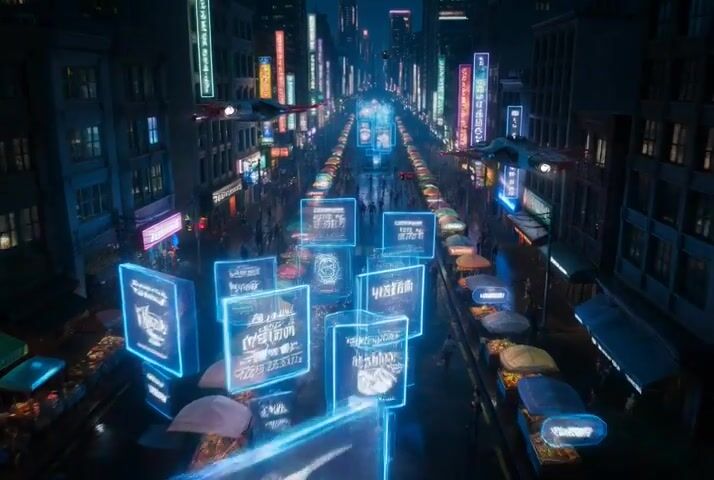
Wan 2.7 neon night street example with floating interface panels
Input
Input: A rain-slick night market seen from above, holographic panels blooming over the stalls, every sign still legible as the camera settles.
Wan 2.7 Video
Wan 2.7 Video: A rain-slick night market seen from above, holographic panels blooming over the stalls, every sign still legible as the camera settles.
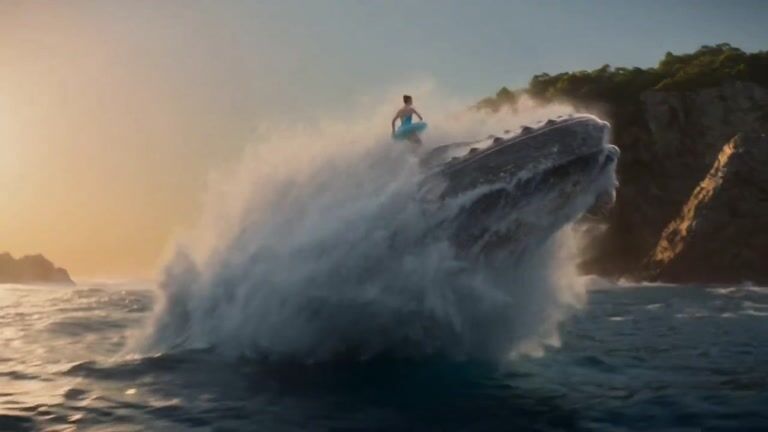
Wan 2.7 live-action dance example generated from a reference still
Input
Input: A dancer leaps across open water at golden hour, spray thrown up behind her, the line of the body intact through the whole arc.
Wan 2.7 Video
Wan 2.7 Video: A dancer leaps across open water at golden hour, spray thrown up behind her, the line of the body intact through the whole arc.
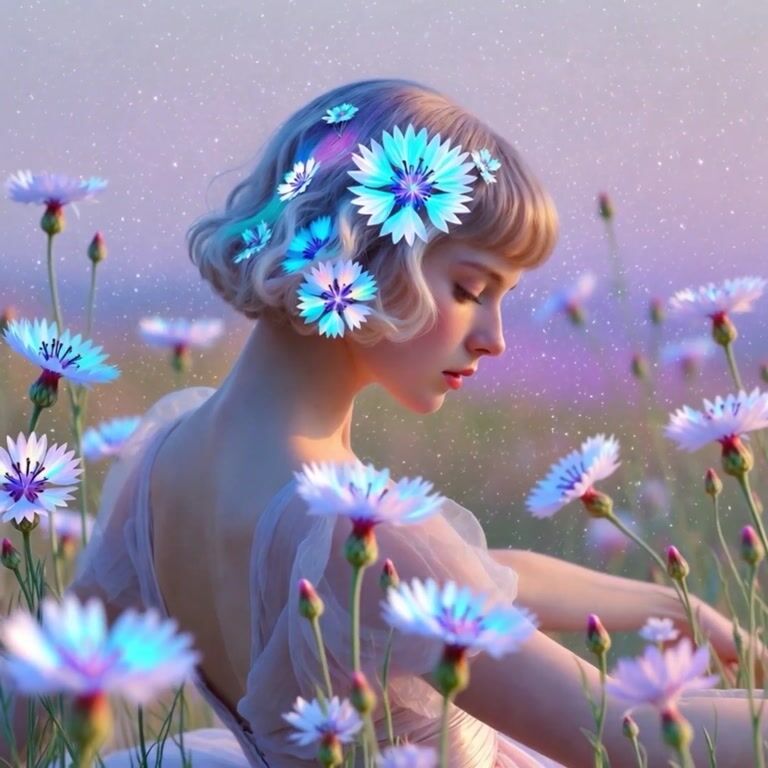
Wan 2.7 vertical social loop generated from a macro photo
Input
Input: Macro florals under drifting haze, light pulsing through the petals, gentle parallax cut for a vertical loop.
Wan 2.7 Video
Wan 2.7 Video: Macro florals under drifting haze, light pulsing through the petals, gentle parallax cut for a vertical loop.
Prompt
An FPV drone drops past the tower legs and skims the treetops, holding its speed through the turn while the skyline stays level behind it.

Wan 2.7 Key Features

Wan 2.7 is not a single-feature refresh. Picture, motion, reference handling, and post-generation editing move together, which is what makes the model usable end to end rather than only at the drafting stage.

Sharper picture, steadier motion

Wan 2.7 tightens fine detail, physical plausibility, and shot-to-shot continuity in the same pass. Faces stay on model through complex blocking, cloth and hair keep their weight, and long camera moves stop drifting halfway through the clip.

Try Wan 2.7
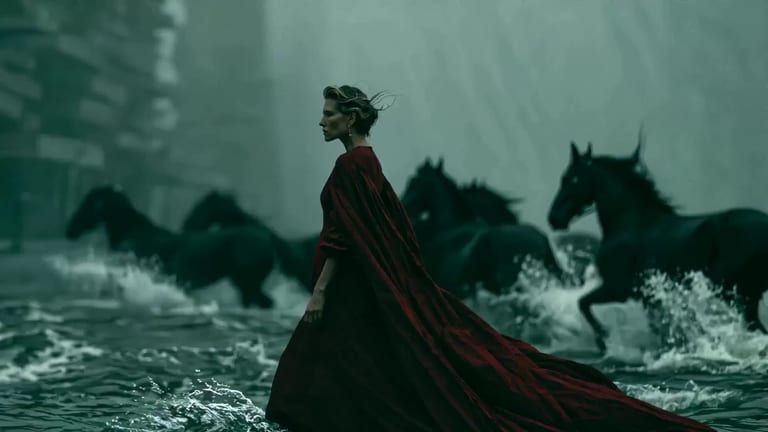
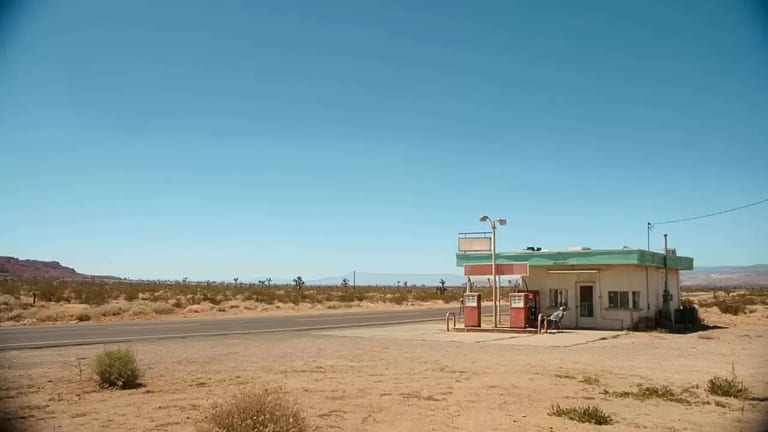
First frame, last frame, and everything between

Give the model one opening still, pin both ends of the shot with a frame pair, or hand it up to twenty stills to structure the whole sequence. Frames to Video is where a storyboard becomes motion instead of guesswork.

Try Wan 2.7

Subject and voice reference in one job

Reference to Video accepts up to five subject images, five reference clips, and five voice samples at once. Wan 2.7 anchors appearance, motion language, and vocal direction together, which is exactly what character-led series need to stay watchable.

Try Wan 2.7

Continue and rework footage you already have

Point Wan 2.7 at a source clip and it carries the shot forward, or restages it under a new prompt while the original motion structure survives. Versioning a campaign stops meaning rebuilding it from zero.

Try Wan 2.7

How the Wan 2.7 Video Generator Works

Every setting the model acts on is visible before you spend anything: input mode, prompt, aspect ratio, resolution, duration, and the credit estimate for that exact combination.

Wan 2.7 video generator workflow showing input selection, prompt, and generated preview
  1. Step 1: Choose what Wan 2.7 starts from

    Text to Video for a blank page, Image to Video when the subject already exists, Frames to Video to pin the start and the end, Reference to Video when an identity has to survive. The form rewrites itself around the mode you pick.

  2. Step 2: Set the shot, then read the estimate

    Write the subject, the action, the camera, and what to keep out. Choose 16:9, 9:16, 1:1, 4:3, or 3:4, pick 720P or 1080P, and drag duration anywhere from 2 to 15 seconds. Billing is per second, so the estimate moves as you do.

  3. Step 3: Preview, download, iterate

    Finished renders stay in the workspace for playback and download. Send a clip straight back in as a reference or a continuation source when the next version has to match the last one.

Try Wan 2.7 Free

Wan 2.7 Use Cases in Production

The upgrades in Wan 2.7 map onto work that actually ships: episodic shorts, recurring characters, campaign variants, and edits on footage that already exists.

Showing content for Short Drama: Short drama and episodic shorts

Short drama and episodic shorts

Fifteen seconds is a whole scene when the motion holds. Faces, wardrobe, and staging stay consistent across takes, and frame pinning decides where a beat opens and where it lands.

FAQ

Straight answers on Wan 2.7 duration, resolution, reference limits, editing, and what a render actually costs.

Still stuck? Email support

Start your first Wan 2.7 render

Bring a prompt, a still, a frame pair, or a character who has to stay on model. It comes back at 1080P — and goes straight back in as reference when the next version needs to match.

Try Wan 2.7 Free
LogoWan 3.0

Create cinematic AI videos with Wan 3.0 — turn prompts, images, and reference clips into social videos, product ads, and explainers.

[email protected]
Product
  • Home
  • AI Image
  • AI Video
  • Wan 3.0 AI
  • Wan 2.7 AI
  • AI Tools
  • Pricing
Company
  • Contact
Legal
  • Cookie Policy
  • Privacy Policy
  • Terms of Service
  • Refund Policy
English日本語한국어DeutschFrançaisEspañolItalianoPortuguêsNederlandsРусскийTürkçe简体中文繁體中文
© 2026 wan3.io. All Rights Reserved.