History
Preserve the reference frame’s samurai, black armor, helmet, mask, blade, ruined village, rain, fog, and burning houses. Begin with a slow cinematic push-in through heavy rain and a subtle orbit around the motionless samurai. He suddenly dashes through the battlefield; each sword slash leaves glowing energy trails, sparks, splintered wood, and flying rain. Use dynamic tracking, whip pans, and brief slow-motion impacts illuminated by lightning and fire. End with the samurai standing silently in the rain as the camera pulls back through the ruined village. Continuous cinematic motion, realistic physics, no text or subtitles.
Turn your ideas into cinematic videos
Wan 2.2 AI Video Generator Online
Turn a prompt, a still image, or a first-and-last-frame pair into a 5-second video without installing models or building a ComfyUI workflow. The hosted Wan 2.2 workspace supports 480P drafts and 1080P output, with the model and credit estimate visible before you generate.
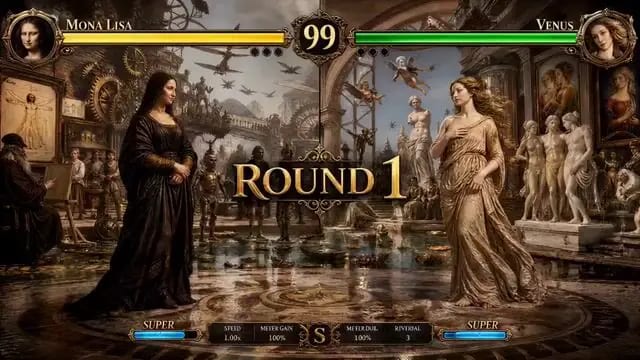
Showing video 1 of 3: Turn a static artwork into a stylized action intro with character motion, impact timing, and dramatic camera cuts.
PromptTurn a static artwork into a stylized action intro with character motion, impact timing, and dramatic camera cuts.
How to Use Wan 2.2 Online
The online generator keeps the workflow short: choose how the shot begins, describe the motion, confirm the format, and render. You do not need to download the open-source checkpoints or manage GPU memory.
Step 1: Choose text, image, or two keyframes
Start with Text to Video for a new scene, Image to Video to animate a still, or Frames to Video when both the opening and closing composition matter. Image modes preserve the source aspect ratio; text mode lets you choose the frame shape.
Step 2: Write the action and camera direction
Name the subject, movement, setting, lighting, and camera behavior. Add a negative prompt for unwanted details, or enable prompt extension when a short idea needs more production detail.
Step 3: Pick 480P or 1080P and generate
Wan 2.2 produces a fixed 5-second silent clip in this workspace. Check the credit estimate, generate, then preview and download the MP4. Use 480P for quick exploration and 1080P when the composition is ready.
What Makes Wan 2.2 Different
Search interest around Wan 2.2 centers on its MoE design, cinematic control, stronger motion, and flexible open-source models. The hosted generator packages the most practical creation modes into one browser workflow.
Two experts for structure and detail
Wan 2.2 introduced a Mixture-of-Experts architecture to video diffusion. In the open A14B series, a high-noise expert establishes layout early and a low-noise expert refines detail later. Only one expert is active at each step, giving the model 27B total parameters with about 14B active per step.
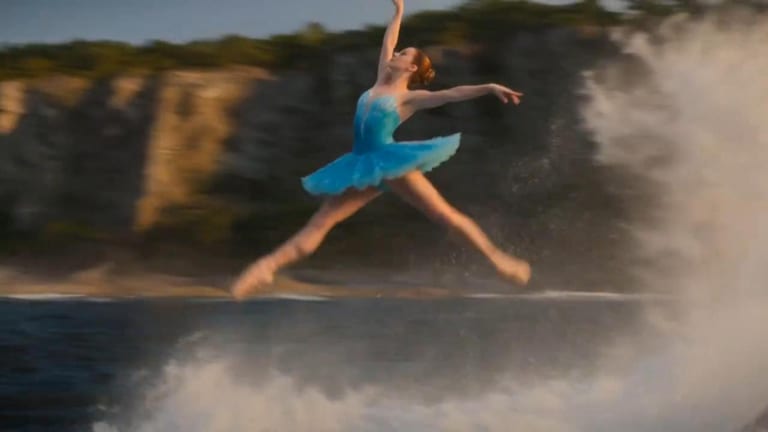
Generate with Wan 2.2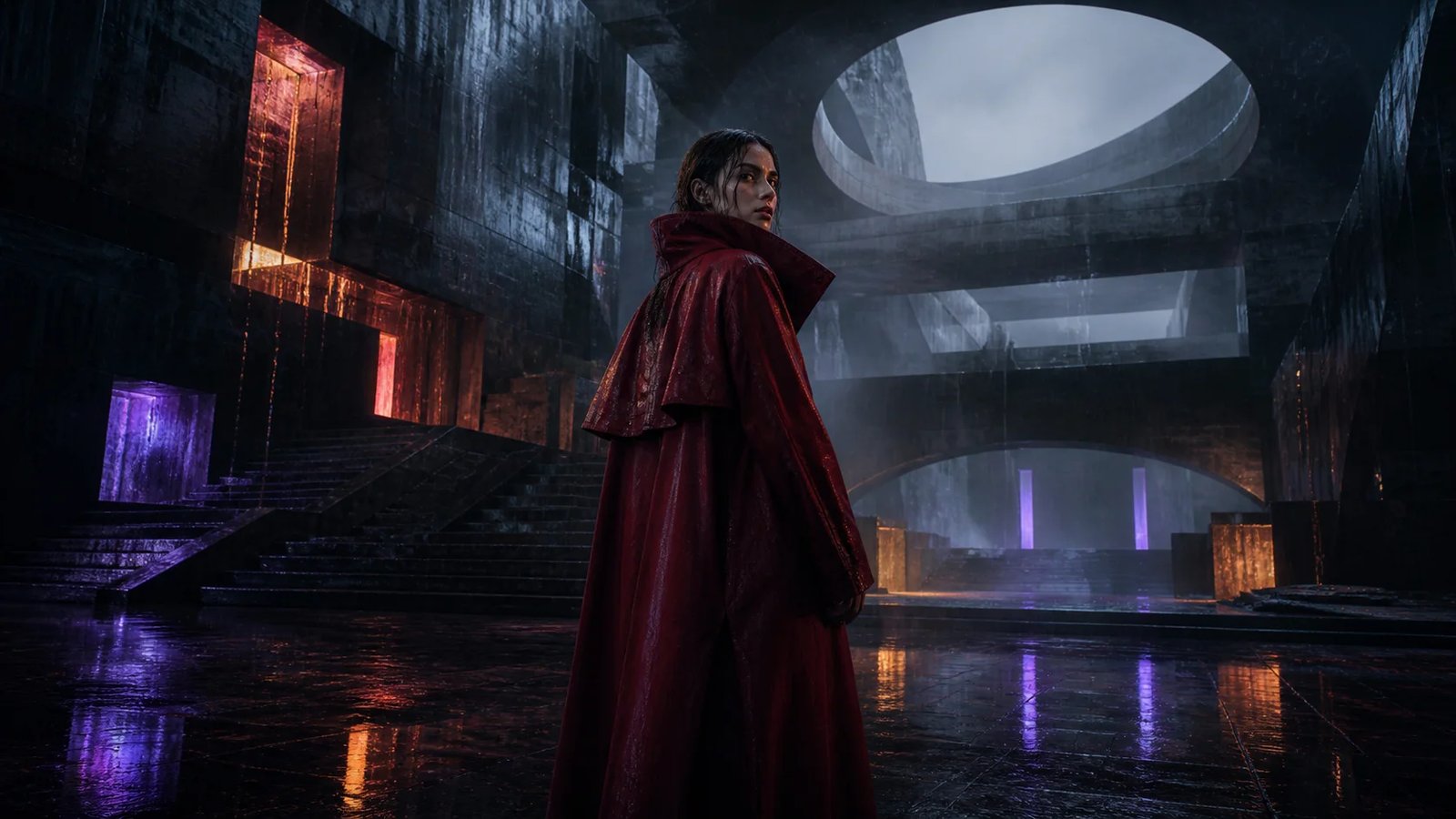
Cinematic control in plain language
The training data includes labels for lighting, composition, contrast, and color tone. In practice, that makes prompts such as low-angle tracking shot, hard backlight, or muted film palette more useful than a loose request for a cinematic look.
Direct a Shot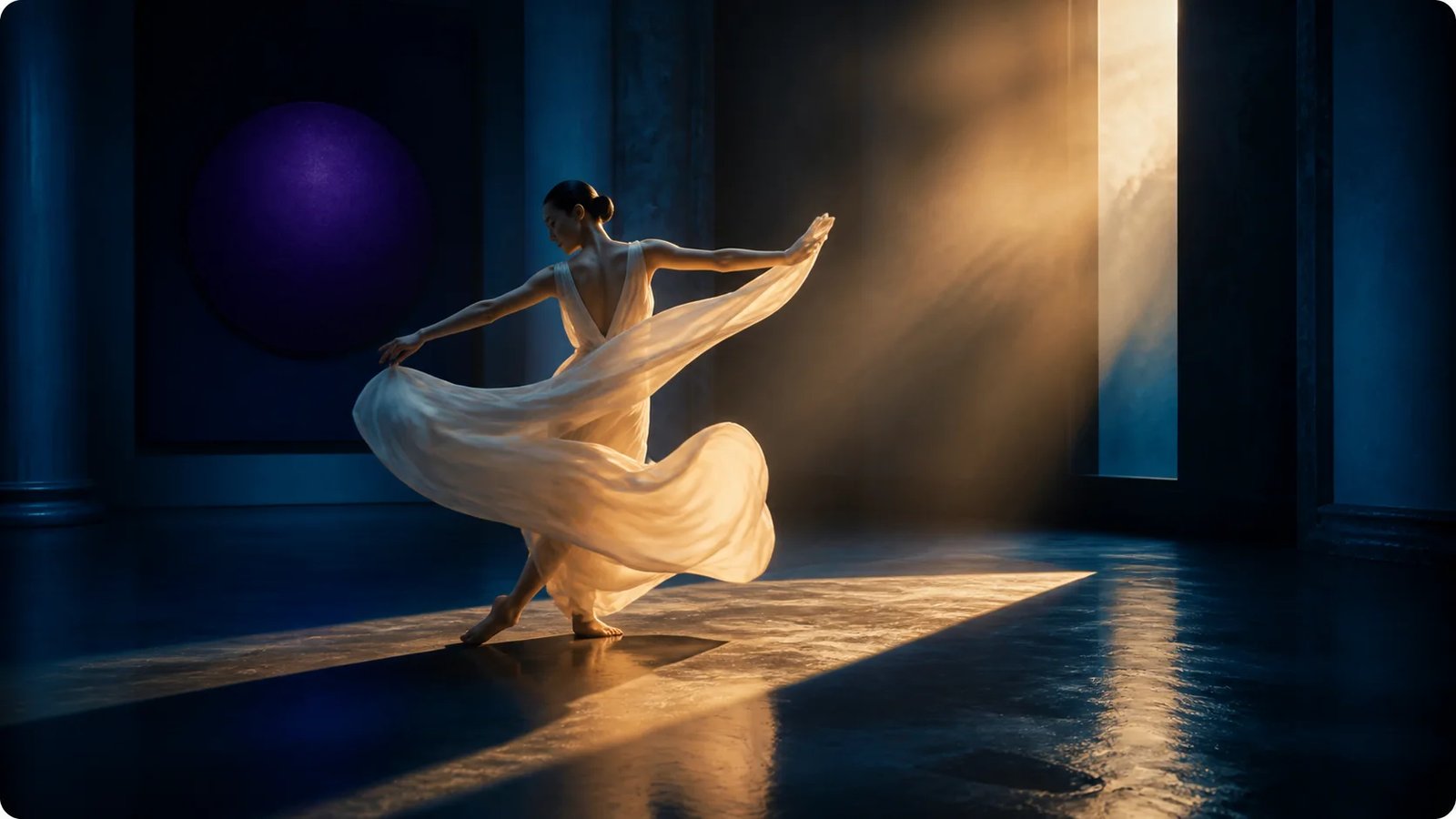
More training data for complex motion
The Wan team reports 65.6% more images and 83.2% more videos than Wan 2.1. The added coverage targets motion, semantics, and aesthetics, which matters most when a shot contains several subjects, interacting objects, or a moving camera.
Create a Motion Test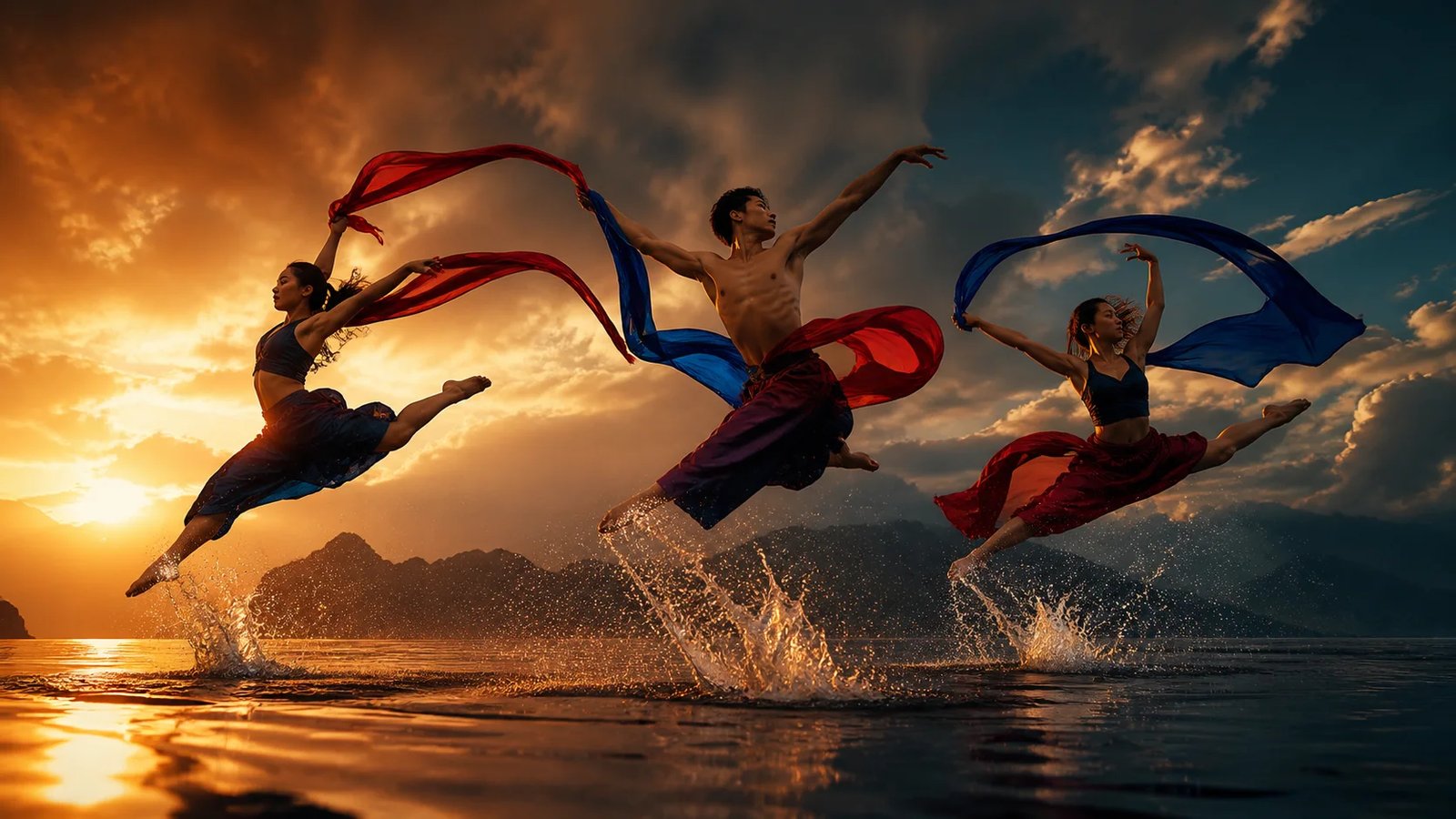
Open models and an easier online route
Wan 2.2 is available as open 14B text-to-video and image-to-video models plus a unified 5B TI2V model. Local deployment offers deeper workflow control; this online generator removes checkpoint downloads and hardware setup when you only need a finished clip.
Use Wan 2.2 Online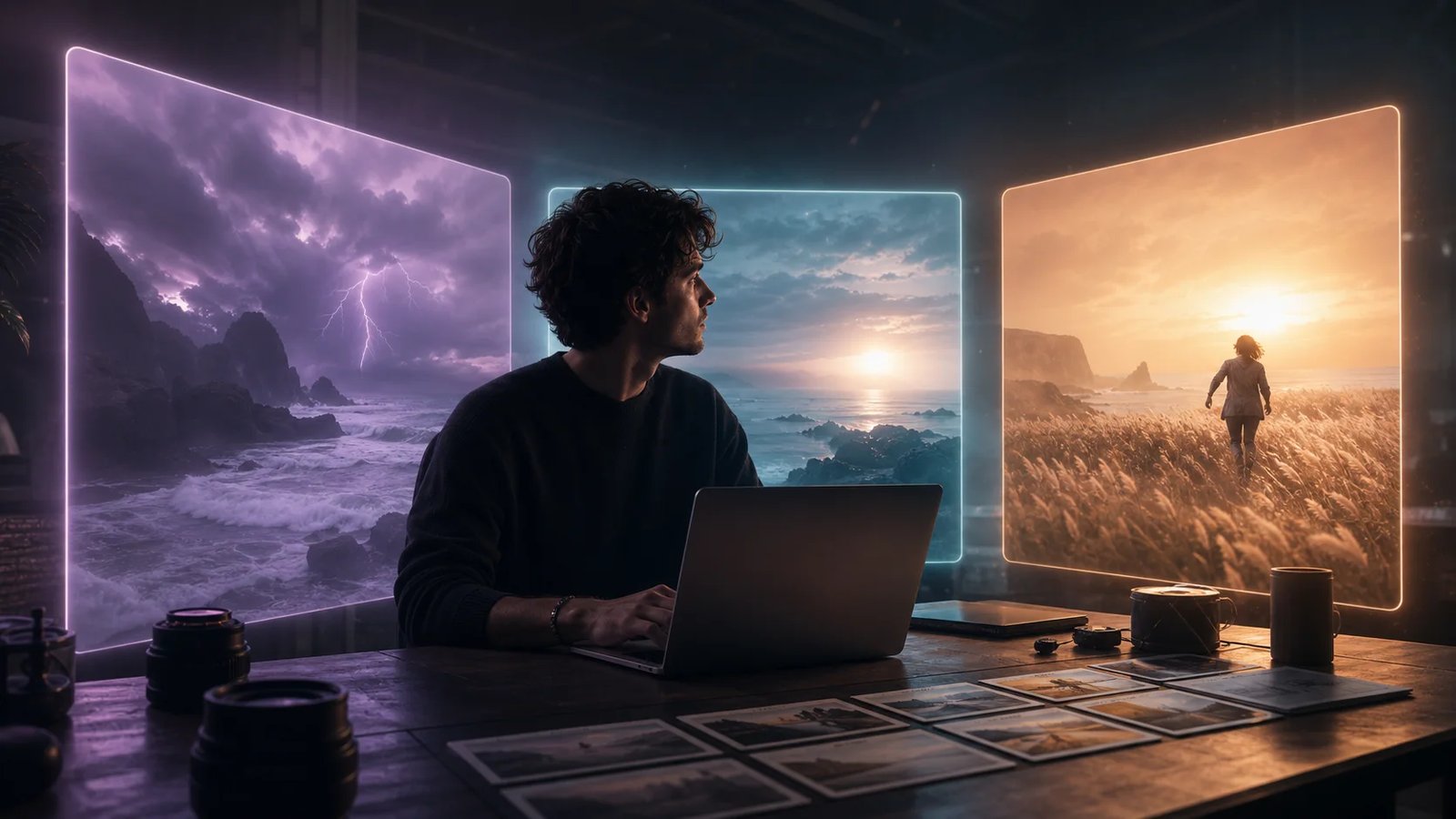
Where Wan 2.2 Fits in a Creative Workflow
Wan 2.2 works best as a shot generator. Start with a clear five-second beat, then edit several outputs together when the idea needs a longer sequence.
Showing content for Concept Shots: Storyboards and visual exploration
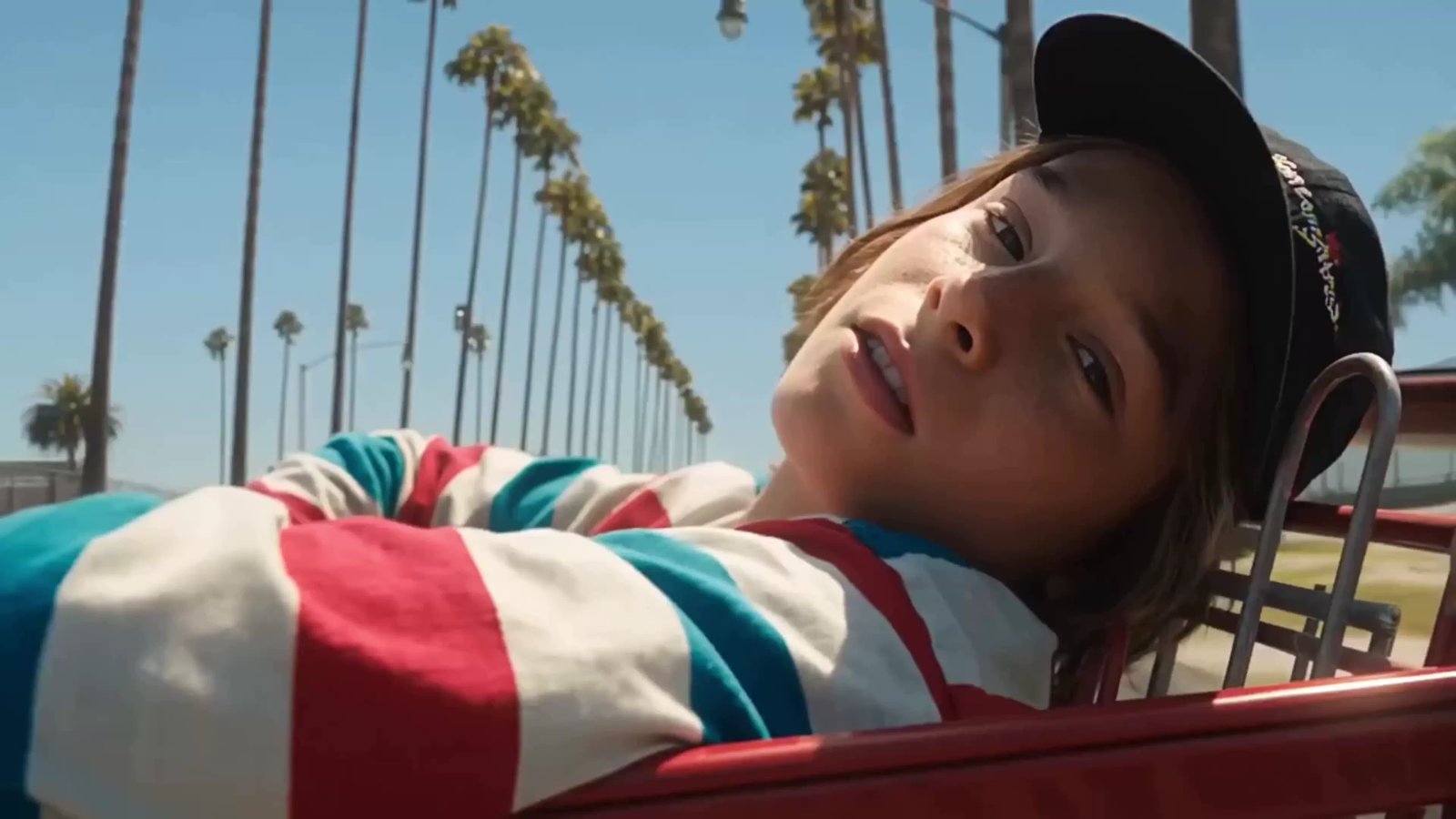
Storyboards and visual exploration
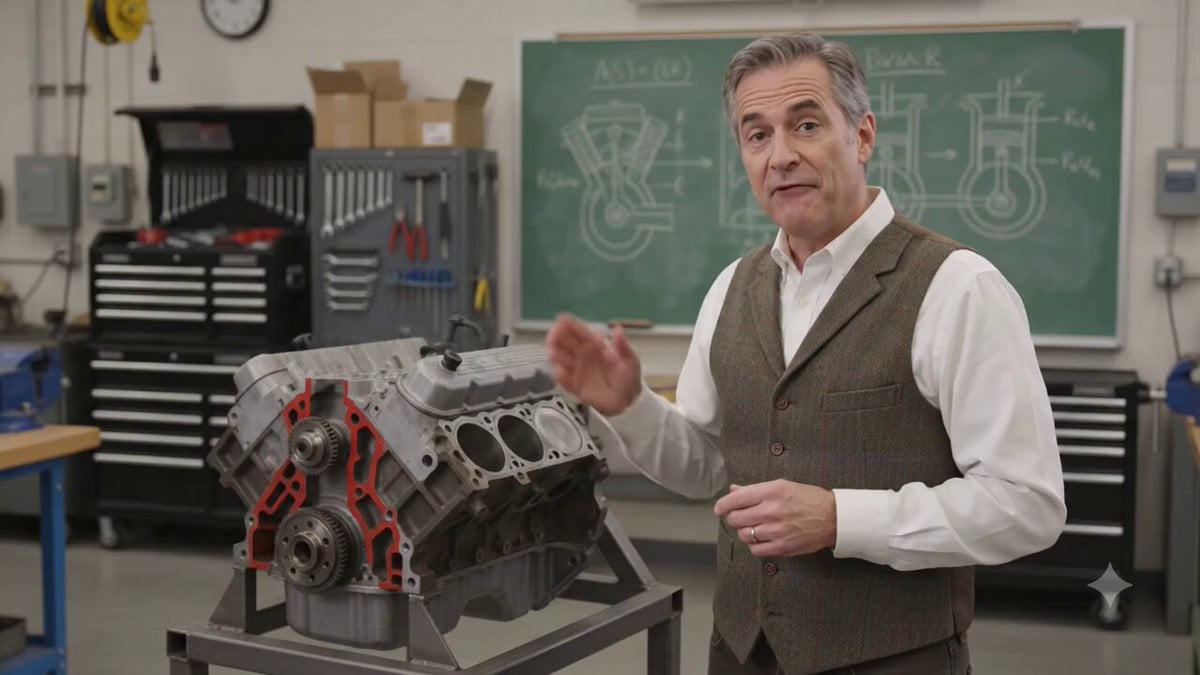
Test a camera move, lighting plan, or action beat before committing to a shoot. Text to Video is most useful when the question is visual: what should this one shot feel like?
Wan 2.2 FAQ
Answers to the questions that appear most often around Wan 2.2 online access, image-to-video, ComfyUI, resolution, and model versions.
Need help? Email support
Create your first Wan 2.2 video online
Start from a prompt, animate one image, or connect two keyframes. Set the format, review the credit estimate, and render a focused five-second shot.