Wan 3.0 AI 影片生成器 —— 一句話生成電影級影片

生成多鏡頭影片:真實運動、角色一致、電影級運鏡。用文字、圖片或一段參考片段錨定每個鏡頭,再逐幀把控。Wan 3.0、Veo 等模型共用一個點數池,免費開始。

把任意圖片變成 Wan 3.0 影片

上傳一張照片,Wan 3.0 注入真實運動、運鏡和物理——把一張靜圖變成流暢的電影級鏡頭。
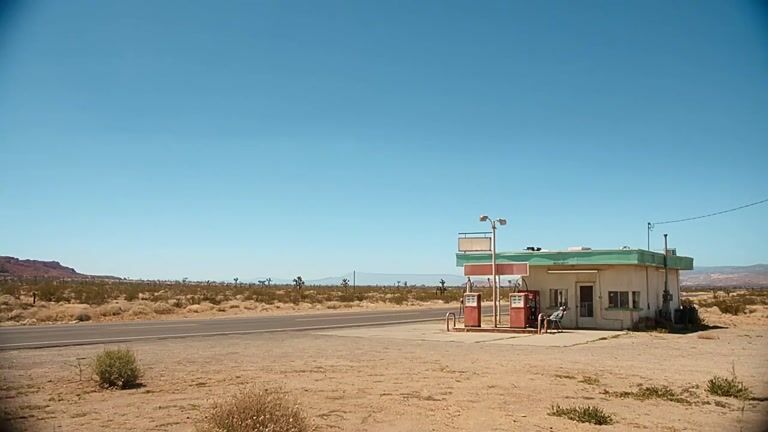
Showing transformation 1 of 4: Turn a quiet American roadside still into a cinematic story with desert light, natural character motion, and smooth camera continuity.
Wan 3.0 image-to-video example: an American roadside story
原圖: Turn a quiet American roadside still into a cinematic story with desert light, natural character motion, and smooth camera continuity.
Wan 3.0 影片: Turn a quiet American roadside still into a cinematic story with desert light, natural character motion, and smooth camera continuity.
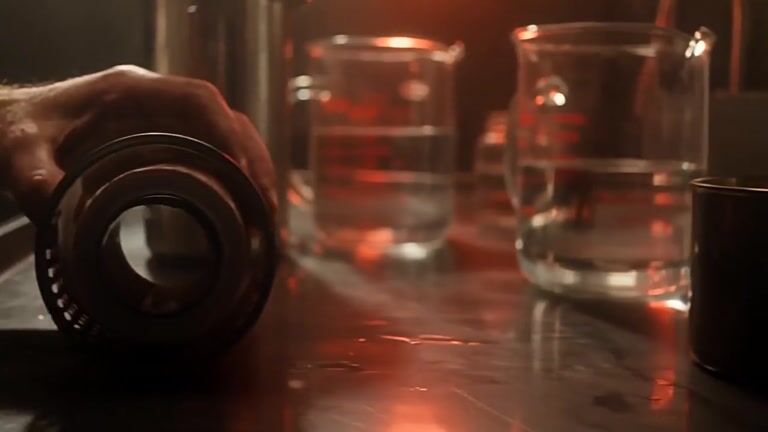
Wan 3.0 image-to-video example: a luxury product macro shot
原圖: Animate a luxury product close-up with tactile macro detail, controlled highlights, and elegant commercial camera motion.
Wan 3.0 影片: Animate a luxury product close-up with tactile macro detail, controlled highlights, and elegant commercial camera motion.
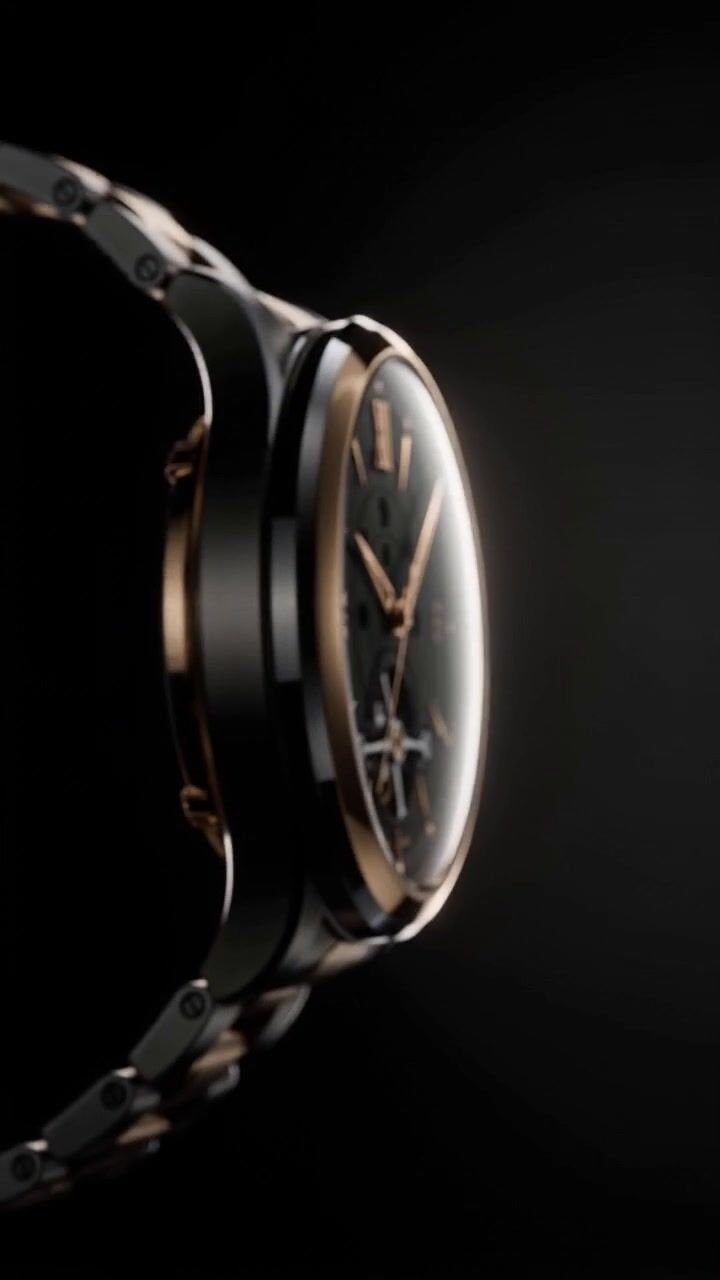
Wan 3.0 image-to-video example: a premium watch commercial
原圖: Animate a premium watch on a deep black set with precise reflections, slow product rotation, and restrained cinematic light.
Wan 3.0 影片: Animate a premium watch on a deep black set with precise reflections, slow product rotation, and restrained cinematic light.
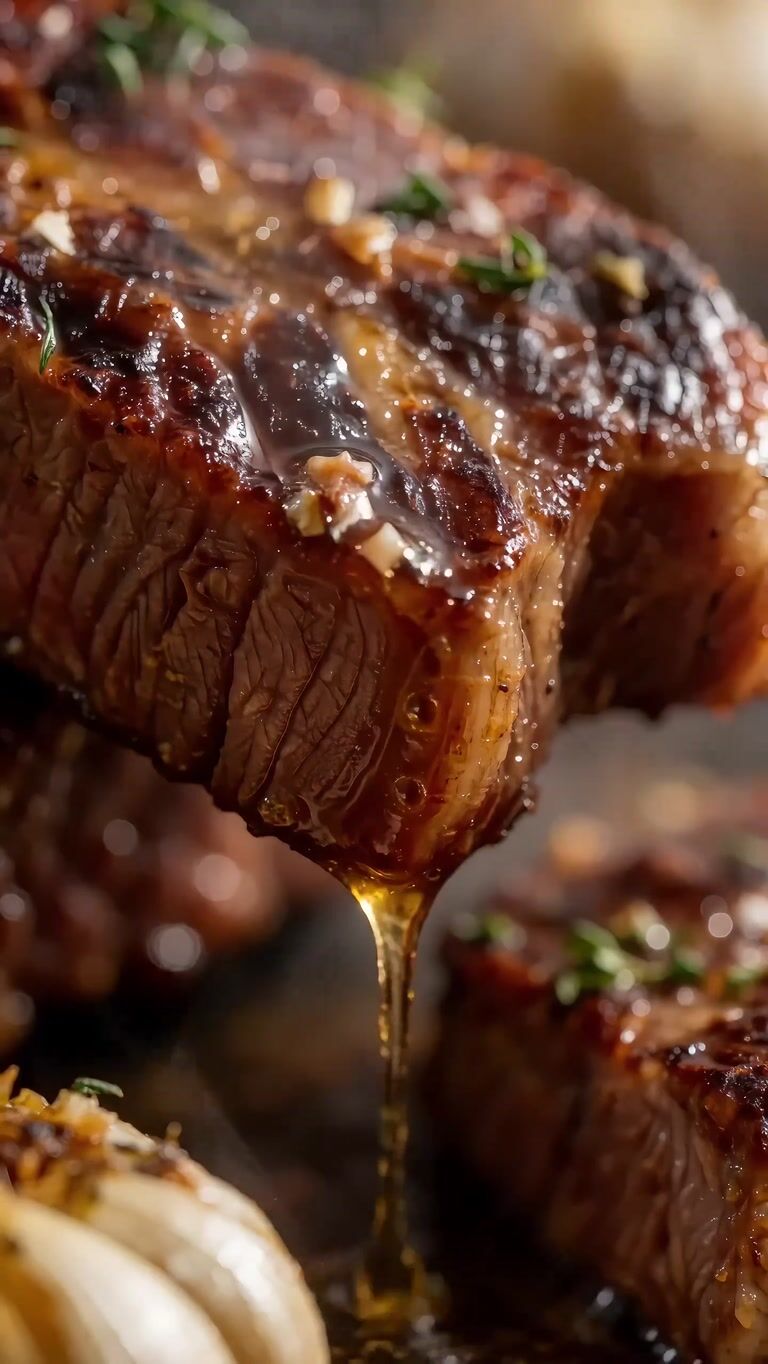
Wan 3.0 image-to-video example: a cinematic food macro shot
原圖: Transform a food photograph into a sensory macro commercial with rising steam, caramelized texture, and appetizing slow motion.
Wan 3.0 影片: Transform a food photograph into a sensory macro commercial with rising steam, caramelized texture, and appetizing slow motion.
Prompt
Turn a quiet American roadside still into a cinematic story with desert light, natural character motion, and smooth camera continuity.

三步生成一段 Wan 3.0 AI 影片

上傳圖片或描述畫面,導演運動,讓 Wan 3.0 渲染出成片鏡頭。

AI 影片工作流插圖,展示上傳素材、編寫提示詞和預覽生成影片的步驟
  1. Step 1: 放入參考素材

    丟進照片、產品圖或參考片段——Wan 3.0 讀取構圖、景深與運動,規劃出鏡頭。

  2. Step 2: 導演運動

    描述運鏡、動作和情緒,Wan 3.0 跟著你的提示詞逐鏡頭執行。

  3. Step 3: 生成並微調

    幾秒渲染出電影級片段,微調提示詞後下載。失敗渲染始終退回點數。

Wan 3 憑什麼不一樣

Wan 3.0 不只是文生影片。用你自己的參考素材錨定每個鏡頭,讓整支 campaign 調性統一,像在片場一樣導演運鏡——還能在多個頂級模型間切換。

多模態參考錨定

用你已有的素材錨定影片——一段參考片段、幾張產品圖或一組首尾幀。Wan 3.0 讀懂它們,把風格、運動和鏡頭語言原樣帶進新鏡頭:鎖定調性,而不是反覆用文字描述。

試用 Wan 3.0

角色與風格零漂移

不跑偏。Wan 3.0 讓人臉、產品和風格細節從第一幀到最後一幀保持一致——同一個角色、同一套品牌調性,貫穿整支 campaign 的每個片段。

試用 Wan 3.0

多鏡頭電影級把控

一句提示詞,掌控運鏡、節奏和轉場。用首尾幀規劃一段序列,或寫好場景讓 Wan 3.0 逐鏡頭編排。

試用 Wan 3.0

頂級模型,一個點數池

Wan 3.0、Veo 等模型共用一個點數池。哪個模型拍得好就用哪個,把任意輸出複用為下一次的參考,讓整支 campaign 錨定在同一個視覺源頭。

試用 Wan 3.0

Wan 3.0:一個模型搞定每一種影片

Showing content for Influencers: 天天更新也不累

天天更新也不累

一張照片變成一週的潮流短片。Wan 3.0 幫你保持統一調性,緊跟熱點又不被製作拖垮。

Wan 3.0 價格

選擇最適合您的付費計劃

Billing period
隨時可取消
省 20%

Basic

$19.9
$15.9

800 點數

每年 $190.8 一次性計費


  • 每月 800 點數
  • 每月最多 160 張圖片
  • 每月最多 26 個影片
  • 全部 AI 影像與影片模型
  • 無水印匯出
  • 標準處理與支援
  • 素材儲存 90
  • 商用授權
熱門
省 25%

Pro

$39.9
$29.9

1,800 點數

每年 $358.8 一次性計費

1.8K3.5K5.5K

  • 每月 1,800 點數
  • 每月最多 360 張圖片
  • 每月最多 60 個影片
  • 全部 AI 影像與影片模型
  • 無水印匯出與私密生成
  • 優先處理與支援
  • 素材儲存 90
  • 商用授權
省 30%

Max

$129.9
$90.9

7,500 點數

每年 $1,090.8 一次性計費

7.5K10K12K

  • 每月 7,500 點數
  • 每月最多 1,500 張圖片
  • 每月最多 250 個影片
  • 全部 AI 影像與影片模型
  • 無水印匯出與私密生成
  • 最快處理與優先支援
  • 新模型搶先體驗
  • 素材儲存 90
  • 商用授權
安全支付:
MastercardVisaAmerican ExpressApple PayUnion Pay更多 >>

創作者用 Wan 3.0 做什麼

創作者如何用 Wan 3.0 AI

  1. 4.7 / 5
    我用 Wan 3.0 先測試了三個無露臉影片開頭。有用的不是替代我的剪輯軟體,而是幫我更快找到了視覺方向。
  2. 4.7 / 5
    從產品圖開始用 Wan 3.0 生成動態概念,比臨時安排拍攝輕得多。我能先判斷哪個角度值得做成廣告。
  3. 4.7 / 5
    我需要的是一個釋出短片,不是一支完整廣告。Wan 3.0 幫我先做出能溝通產品氛圍的視覺草稿。
  4. 4.7 / 5
    教程裡不一定需要長影片,很多時候只需要幾個短場景。一段 Wan 3.0 短片剛好可以插在講解之間。
  5. 4.7 / 5
    在做故事板之前,我們用一段關卡提示詞生成了幾種生態方向的動態草圖。當概念參考用,不當作正式美術。
  6. 4.7 / 5
    我們以前每週只能出 2 個廣告創意。現在用同一段產品參考素材在 Wan 3.0 裡生成多個動態變體,讓演算法在更多方向裡挑。
  7. 4.7 / 5
    Reels、Shorts、LinkedIn 各要不同比例。直接從同一段提示詞生成對應比例,比把一條素材裁來裁去靠譜得多。
  8. 4.7 / 5
    沒有影片團隊,也沒找代理。我用一個週末在 Wan 3.0 裡生成了釋出 teaser 和 Demo 頁的動態背景——是釋出當天足夠用的草稿。

FAQ

新使用者在生成第一段 Wan 3.0 影片前最常問的五個問題。

沒有你的問題? 發郵件給團隊

免費做出你的第一段 Wan 3.0 影片

提交前看清點數消耗,失敗自動退回,無需綁卡即可開始。